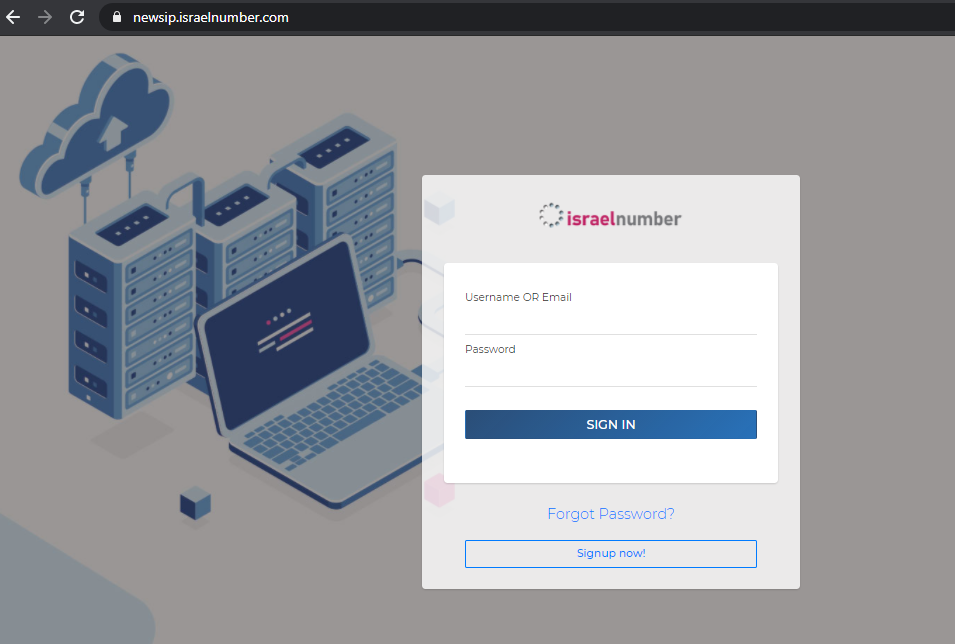
Register New Account
How to register a new account on the user management portal.
| 1 | Go to newsip.pbxme.com. |
| 2 | Click “Signup Now.” |
| 3 | Fill in all the fields on the signup form: All fields are required except company name. Your email address must be unique and will need to be verified. Set the timezone field to your local timezone, then enter the CAPTCHA. |
| 4 | Click “Sign Up.” |
| 5 | You’ll be taken to the One-Time Password (OTP) screen. |
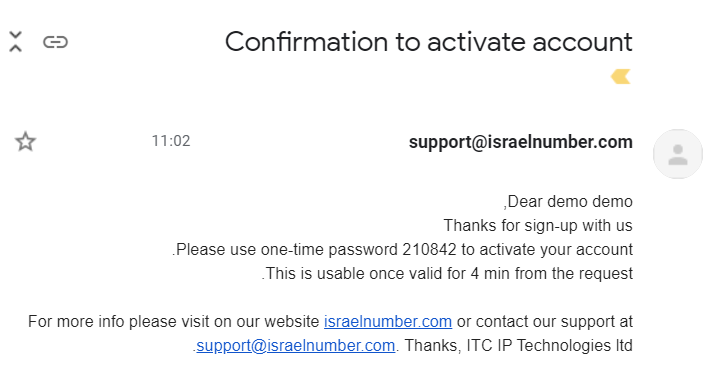
| 6 | You’ll receive an SMS or email containing a one-time password to activate your account.
|
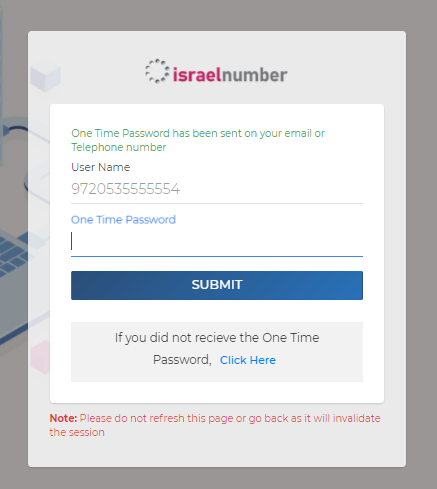
| 7 | Enter the one-time password in the form. It’s valid for 4 minutes — if it expires, click “Click Here” to have a fresh one resent by email.
|
| 8 | You’ll receive a welcome email containing your account credentials (account number and password).
|
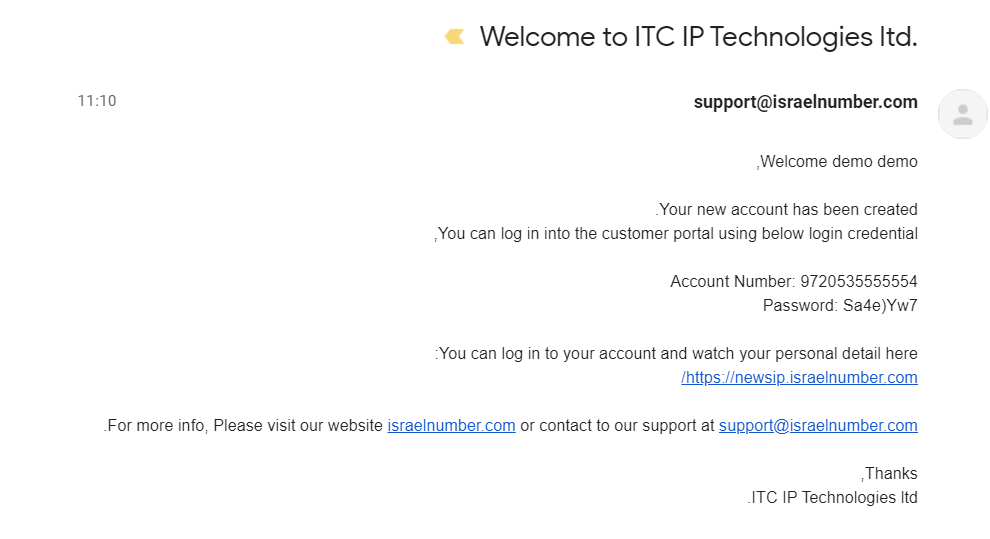
| 9 | Save the credentials from the welcome email somewhere safe. |
| 10 | You’ll be redirected back to the login page. |
| 11 | Log in using your new credentials.
|