
IVR Setup and Management
How to create an IVR in the PBXme system and redirect a local number to it.
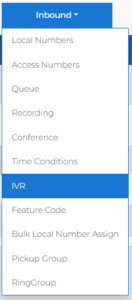
| 1 | Go to the IVR page: in the top menu, click Inbound → IVR.
|
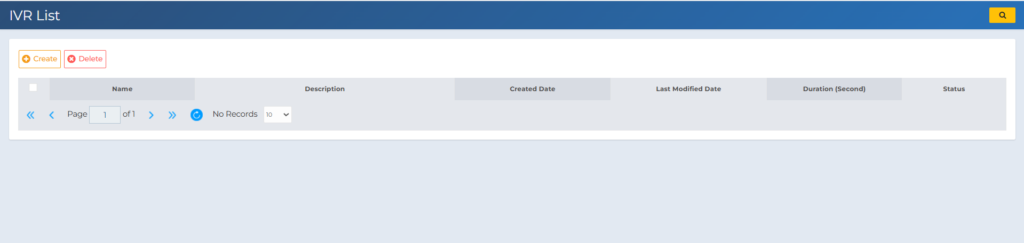
| 2 | Click Create to set up a new IVR.
Fill in the required fields:
|
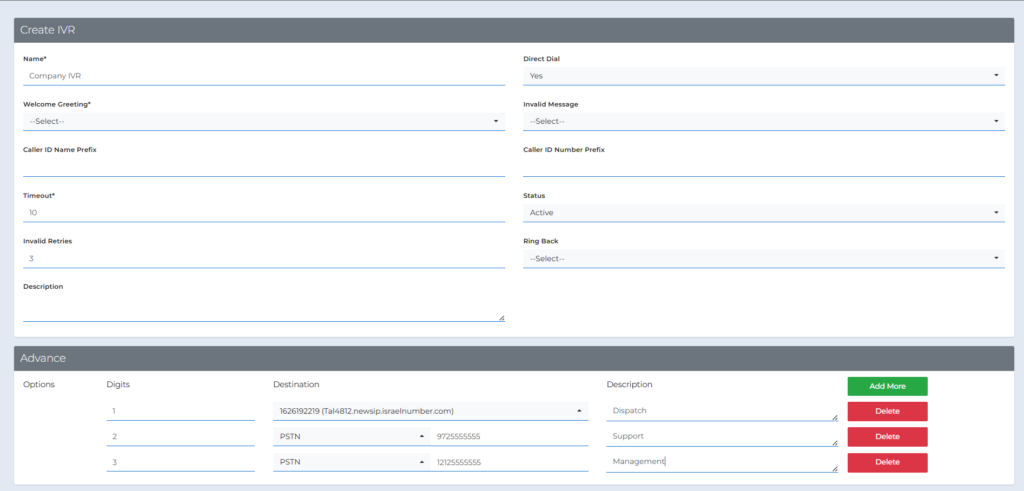
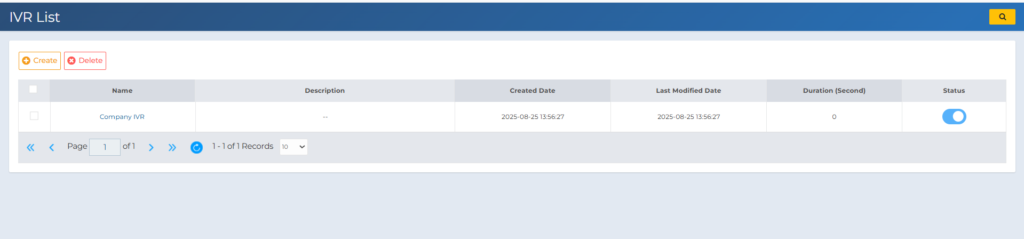
| 3 | After filling in the details, click Save. The IVR will now appear in the list.
|
| 4 | In the top menu, click Add/View Numbers. In the numbers list, click the Call Forward icon next to the number you want to forward.
In the Local Numbers Destination window, select Call Type = IVR, then select the IVR you created.
|
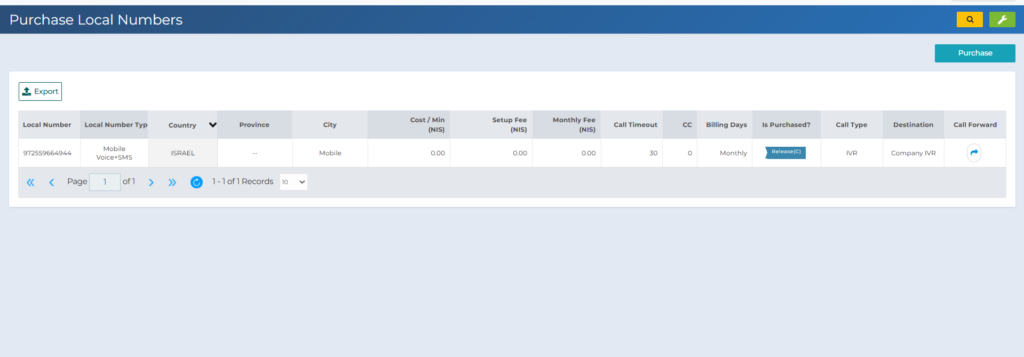
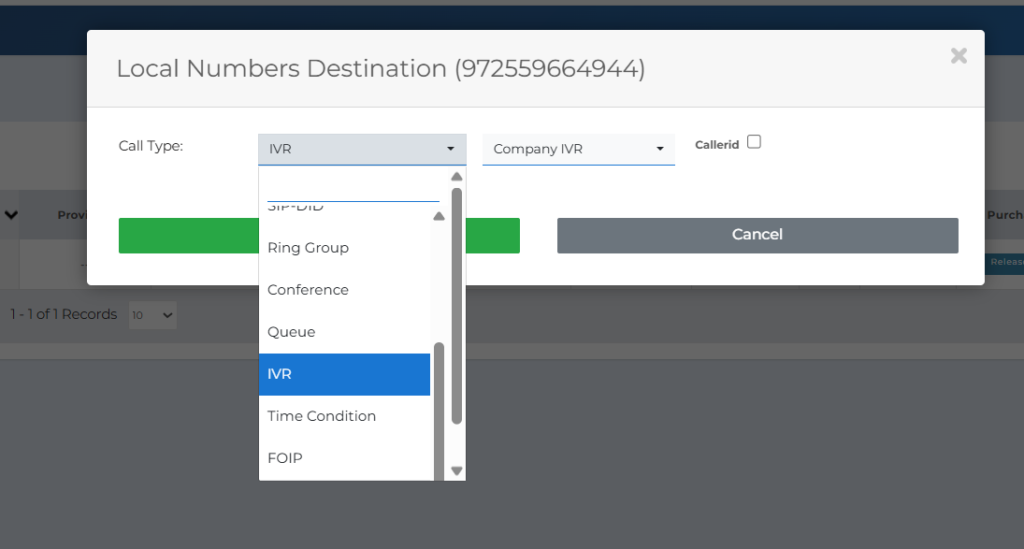
| 5 | Click Save. Your number is now redirected to the IVR you selected.
|
For additional questions or further assistance, contact support at support@pbxme.com or WhatsApp +972 55-966-4944.